Why We Love—and Sell—Hunter Douglas PowerView Motorized Shades
We love PowerView for its familiar controls, personalized shade positions, and supported Apple Home connection. Here’s what that means for everyday life in your home.
By Mark Abplanalp
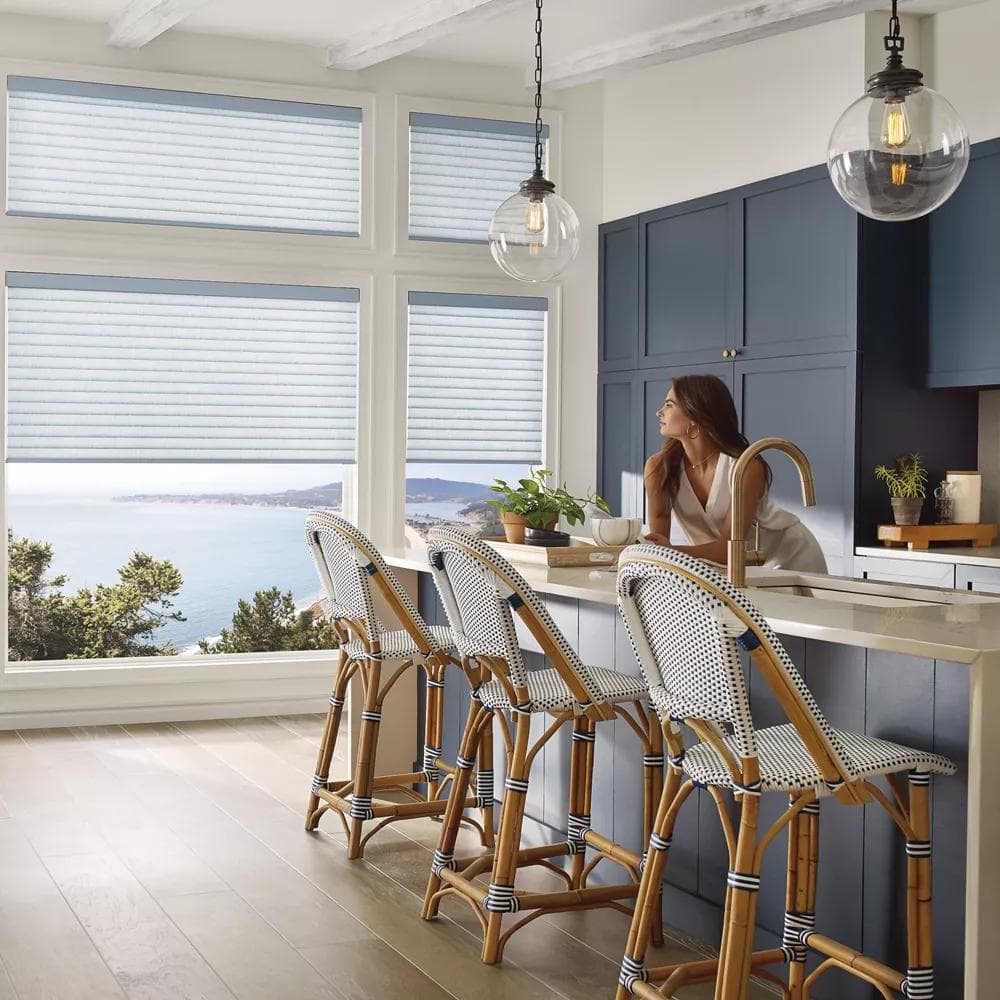
There are a lot of choices when it comes to new blinds and shades for your home—and a wide range of prices. One question I hear regularly from clients is, “What am I actually getting when I spend more?”
The easiest comparison I can make is your cell phone. There are plenty of brands at different price points, including phones that come free with a service plan. They all handle the basics. But many of my clients choose Apple because they appreciate the convenience of having their devices work together and the confidence they have in the platform’s security. Those are the same reasons I use Apple products.
That’s also what I love about Hunter Douglas PowerView. The shades, remote, app, and smart-home connections are designed to work together. That complete experience is why it’s a system I’m excited to offer at Luxe Window Works.
When you’re choosing something you’ll use every day, those details matter.
Familiar Controls Throughout Your Home
You might want roller shades in your living room, top-down/bottom-up cellular shades in your bedroom, and shades with adjustable vanes in your dining room. Each serves a different purpose, but operating them should feel familiar.
With PowerView Gen 3, the same remote can raise and lower standard shades, adjust the middle rail on compatible top-down/bottom-up shades, and control vanes on products such as Silhouette and Pirouette shadings. You can select a shade or a group, depending on how we configure your system.
That means you can choose the right window treatment for each room while keeping a consistent way to operate everything. And when you don’t feel like reaching for your phone, you don’t have to.

Apple Home Convenience, With Security Built In
Security is another reason I value the Apple ecosystem, and PowerView fits into that experience through a manufacturer-supported Apple Home connection.
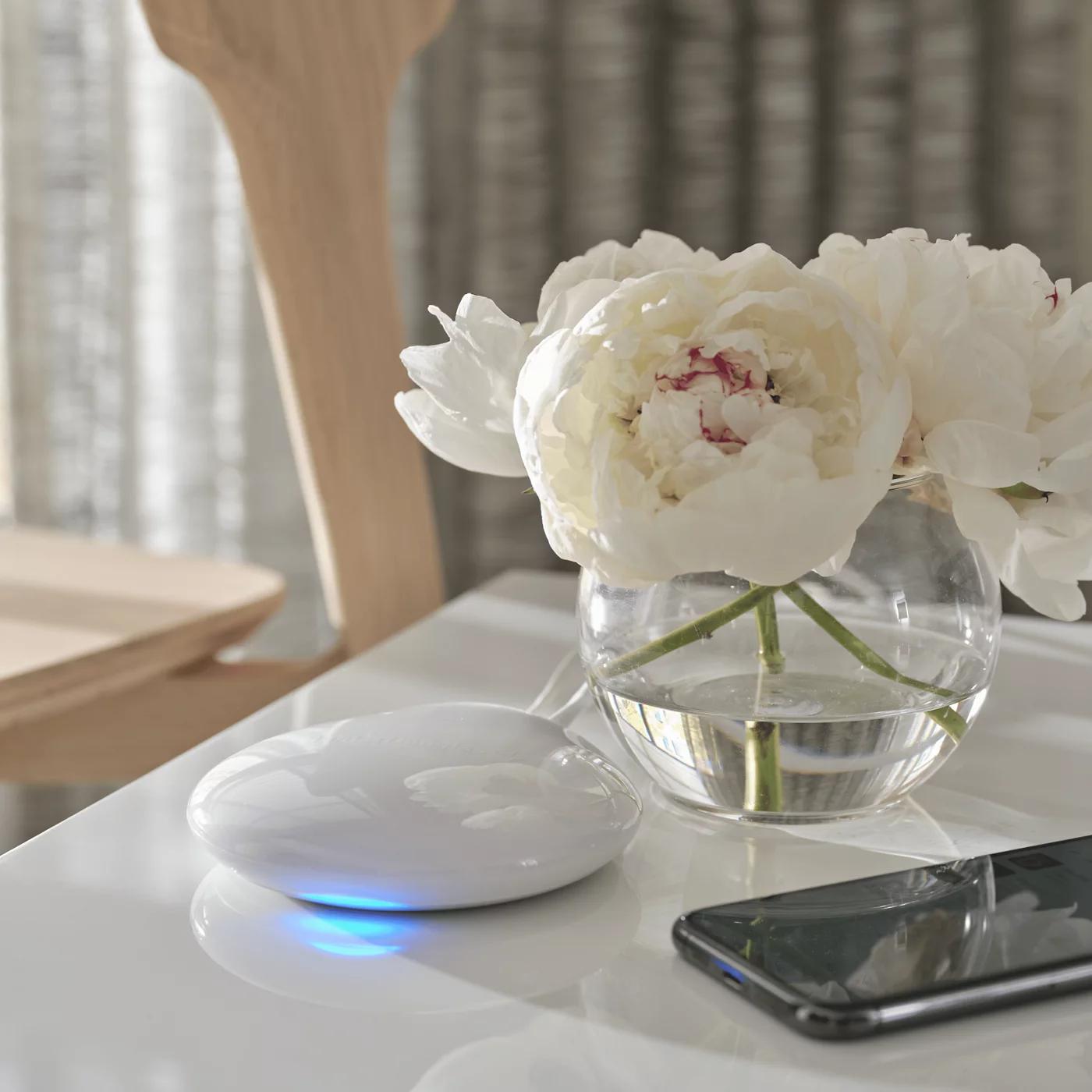
PowerView Gen 3 connects to Apple Home through Matter using a PowerView Gateway. After setup, you can operate your shades in the Home app or ask Siri to adjust them—without an unofficial third-party bridge or software workaround.
Apple Home’s Matter connections use encrypted communication and device authentication to help protect access to your connected accessories. For me, the appeal is having a supported connection within the system I already use and trust.
The PowerView app is used for setup, and the Gateway remains part of the system. Once connected, everyday shade control can happen right in Apple Home, alongside your other compatible devices.
Your Favorite Positions, Ready When You Want Them
Think about how you use your shades throughout the day. You might lower the top slightly for morning light, adjust them to reduce afternoon glare, and close them for privacy in the evening.
PowerView Gen 3 lets you save two favorite positions for each shade and recall them through the remote or app. Multiple selected shades can each move to their own saved position.
That’s especially useful with top-down/bottom-up shades. Once you find the balance of daylight and privacy you like, you can save it instead of adjusting everything by eye each time.
Shades That Fit Your Daily Routine
With the appropriate PowerView setup, you can schedule your shades to move throughout the day. Open them in the morning, adjust them when the afternoon sun comes around, and close them for evening privacy. Away-from-home control is also available with a connected PowerView Gateway.
If you use Apple Home, you can create scenes that include your shades and other compatible accessories. A “Good Night” scene, for example, could close your shades and turn off selected lights. Apple Home scenes are configured separately from your PowerView scenes.
These are the conveniences you start to appreciate once you’re living with the system—especially when you have several windows to manage.
Options for More Challenging Windows
Some of the windows that bring the most character to a home can also be the hardest to cover.
Hunter Douglas offers PowerView operation on certain arched and angled Duette and Applause honeycomb shades. Availability depends on the window’s shape, dimensions, and product specifications, but it gives us more possibilities to explore for those unusual spaces.
During a consultation, we can look at those windows together and determine what will actually work.
Is PowerView Worth the Investment?
My job is to help you understand what you’re getting and whether it makes sense for your home.
If you want one shade to move up and down with a remote, a simpler motorized option may be all you need. If you’re choosing different shade styles throughout your home, want saved privacy settings, or would like your shades connected to Apple Home, PowerView becomes a compelling choice.
What I appreciate most is the thought that has gone into the whole experience—from choosing your shades to controlling them every day.
That’s why we love—and sell—Hunter Douglas PowerView at Luxe Window Works.
We bring the showroom to you. During your complimentary in-home consultation, we’ll walk through your windows, show you the controls, and help you decide whether PowerView is the right fit for your home.
We serve homeowners in Post Falls, Coeur d’Alene, Hayden, Rathdrum, and Sandpoint. Explore our motorized window treatments or book your free in-home consultation.
On Seattle's Eastside, we bring the same PowerView lineup to Bellevue, Kirkland, Issaquah, Sammamish, Renton, and Maple Valley by appointment, with measuring and installation coordinated through Hunter Douglas Installation Services. See how Eastside service works.
Sources and Photography
Technical details: Hunter Douglas PowerView remote guide, Apple Home integration requirements, and Apple Home communication security. Photography courtesy of Hunter Douglas.
Common questions
Does Hunter Douglas PowerView work with Apple Home and Siri?
- Yes. PowerView Gen 3 connects to Apple Home through Matter using a PowerView Gateway. Setup uses the PowerView app, after which you can operate compatible shades through Apple Home and Siri. Apple Home scenes are created separately from PowerView scenes.
Do PowerView shades need a hub or gateway?
- For nearby control using the PowerView app over Bluetooth or a configured Gen 3 remote, a gateway is not required. A PowerView Gateway is required for Apple Home integration and PowerView away-from-home control. We help choose the right setup for your home and the features you want.
Can one PowerView remote operate standard and top-down/bottom-up shades?
- Yes. The same PowerView Gen 3 remote can operate compatible standard shades and top-down/bottom-up shades. Its arrow buttons adjust the middle rail on top-down/bottom-up shades. Groups and favorite positions are configured during setup so the controls suit your windows and daily routine.
What security protections does the Apple Home connection use?
- Apple Home’s Matter connections use encrypted communication and device authentication. PowerView’s supported integration avoids the need for an unofficial third-party bridge to connect to Apple Home. This describes the Apple Home connection; it does not mean every part of the PowerView system is managed by Apple.
Can I save my favorite shade positions?
- Yes. PowerView Gen 3 supports two favorite positions per shade, available through the remote or app. You can save the balance of daylight and privacy you prefer, then recall it without adjusting each shade by eye. Multiple selected shades can move to their own saved positions.
Where can I get Hunter Douglas PowerView shades in North Idaho?
- Luxe Window Works is a Hunter Douglas dealer serving Post Falls, Coeur d’Alene, Hayden, Rathdrum, and Sandpoint. During a complimentary in-home consultation, Mark helps you compare shade styles, controls, power options, and smart-home requirements before selecting the right setup for your home.
Have Questions About Your Windows?
Our team offers free in-home consultations throughout Northern Idaho. Get personalized advice for your specific situation.